It comes as no surprise that one of the most requested features for Pulp has been some form of syncing, specifically with Google Reader. It sounds like a great idea: use Google Reader’s centralized service to sync all of your feeds and articles across multiple devices, seamlessly and instantly. After all, plenty of other apps do it already. What could possibly be the problem? There are actually two of them - let’s take a look.
A Poor Experience
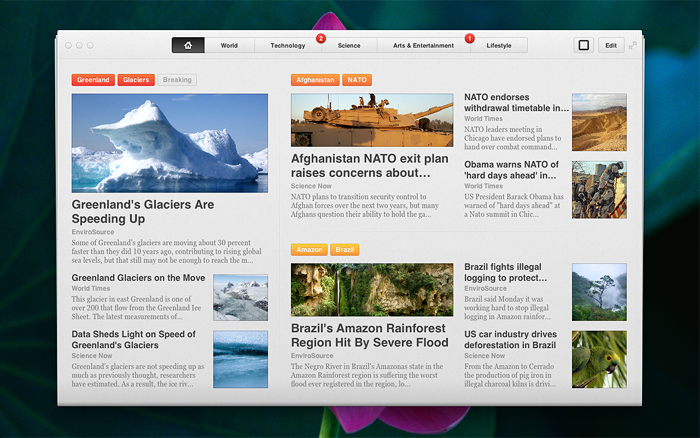
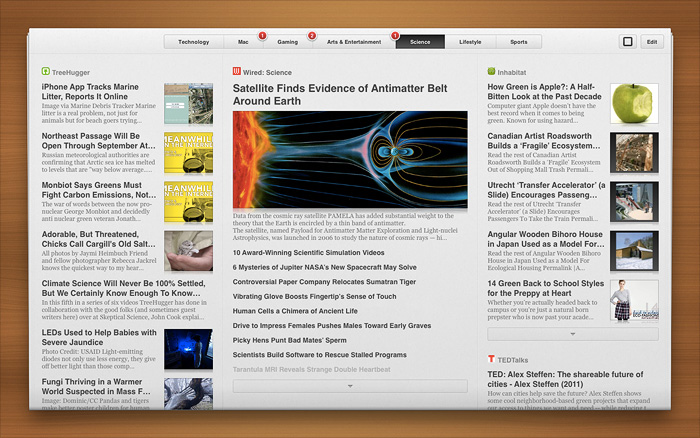
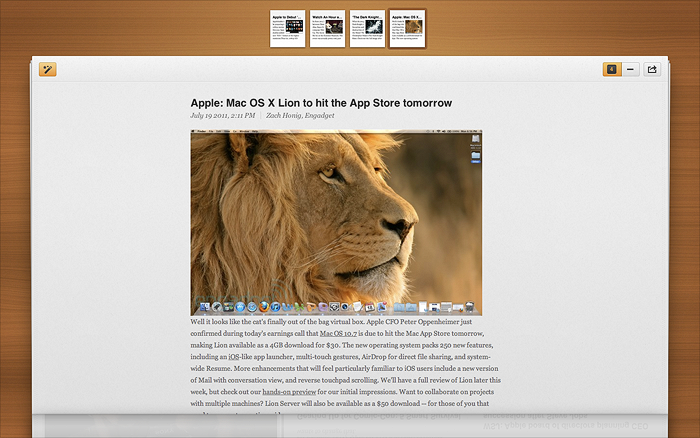
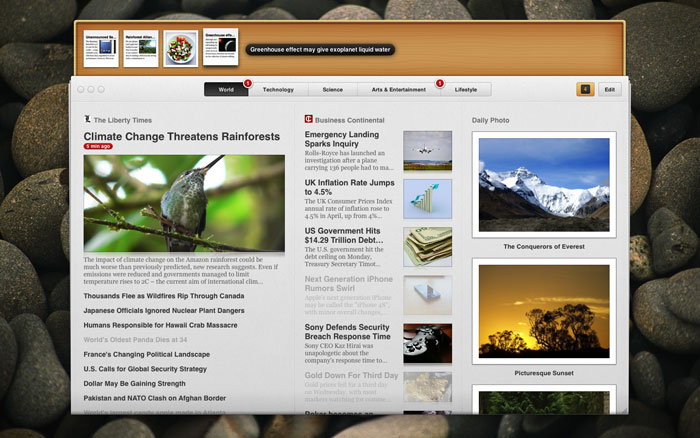
Google uses the tried and true structure for organizing RSS data in Google Reader: folders and feeds. Many feed readers copy this same approach, making them more or less perfectly compatible with Google Reader. However, Pulp is much more complex, offering customizable pages, columns, and feeds with settings, styles, and more.
Why does this matter? Let’s say you add a new feed to Pulp on your iPad, and want it to show up in the same place on Pulp for Mac after syncing with Google Reader (a pretty standard request for any app that “syncs”). A few questions instantly arise:
- Which page and column does it appear in?
- What appearance styles and settings will it have?
- Which of its articles have you already saved to the shelf?
Since there’s no way to preserve any of that kind of data on Google’s servers, Pulp has no answers to any of these questions, and never will. You would have to re-supply all of this information manually, requiring almost as much setup as simply adding the feed again. It’s a total nightmare - no one wants an app that only syncs some of your data.
Imagine repeating this for every feed, page, or shelf article you add or remove, on every device you want to sync to, and you’ll quickly see why Google Reader simply isn’t the right fit for Pulp.
Private API
We’ve all heard before that private APIs are bad. Apple rejects apps that use their own private APIs from being on the App Store. Private APIs are undocumented, unreliable, and more than likely to break in the future. In a nutshell, they’re great for developers looking for a cheap way to add instant functionality to their apps, but undeniably bad for end users.
Outside of the developer community, no one seems to know that the Google Reader API is completely private. It has never been announced as a public API by Google, despite having been “exposed” by hackers for many years. That means there’s no official developer documentation (the API itself is a complete mess), and any apps hooking into it are subject to break at any time without warning.
Nobody knows why Google has been silent on its Reader API. However, it seems likely that when or if Google decides to make the API public, it will include some form of monetization, probably in the form of inserted ads. After all, more and more apps are piggybacking off of Google Reader’s backend every day, completely for free. Alternatively, the whole thing could just be turned off entirely.
It’s hard to believe that so many popular applications are based on Google Reader when this is the case, but the truth is clear as day. Some actually rely on Google completely for feed parsing, on top of syncing. These apps might work for now, but they bear uncertain futures at best. That’s not the kind of thing we’re interested in supporting or selling to our users.
[On a side note, yes, we did cave a bit here and include an import functionality for Google Reader in version 1.1. However, importing feeds is not a core feature, and Pulp will still work great without it.]
What’s the Plan?
We hear you loud and clear. Syncing is an important feature for any data-sensitive app, and you’d like to be able to sync your feeds and articles in Pulp across all of your devices. However, Google Reader is clearly not the right answer for us.
When Pulp for Mac 2.0 arrives, it’ll bring with it support for wirelessly syncing with Pulp for iPad, as well as additional future products. Our thinking here is not to be lazy, but to make the best products we possibly can. We’re aiming for something that’s both seamless and easy to set up, and will be reliable in the future. We think you’ll understand when you see our final product. Thanks for reading!